
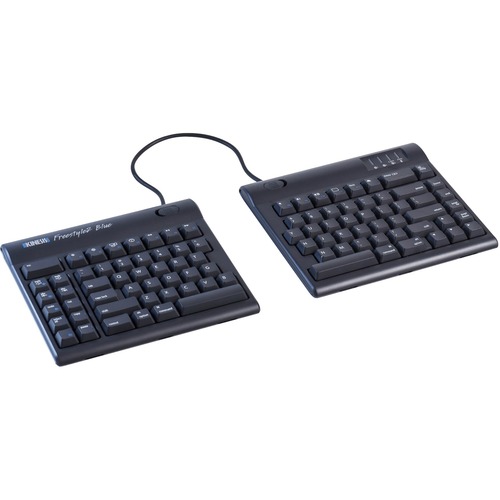
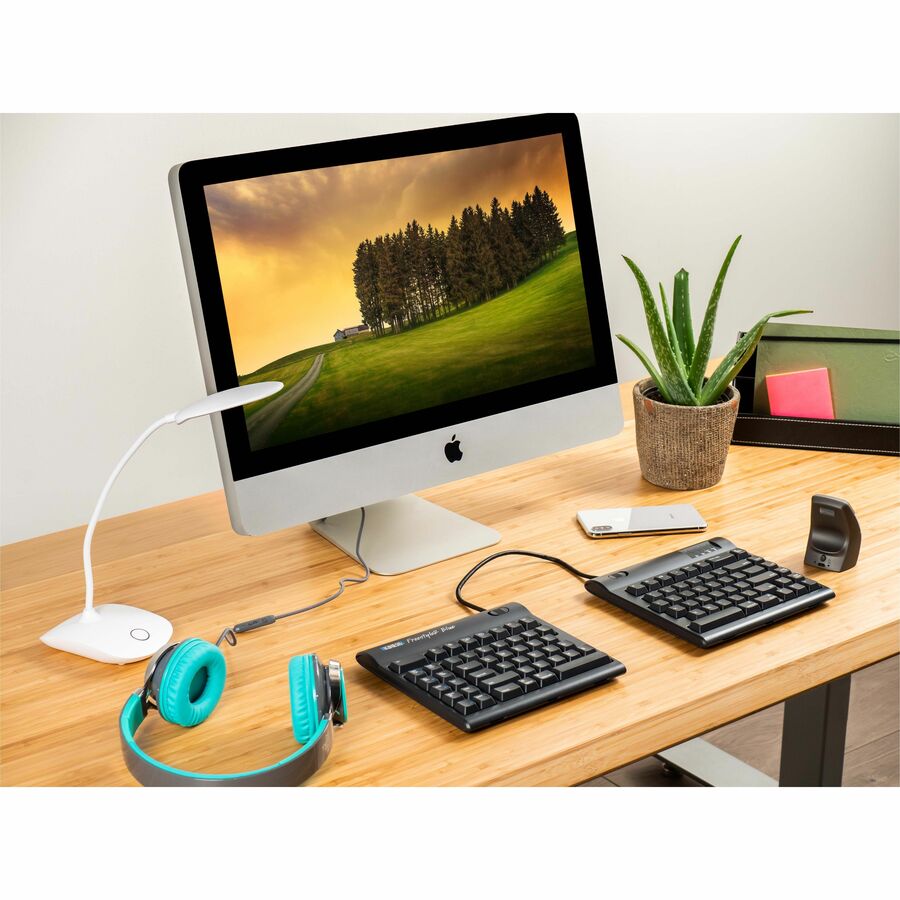
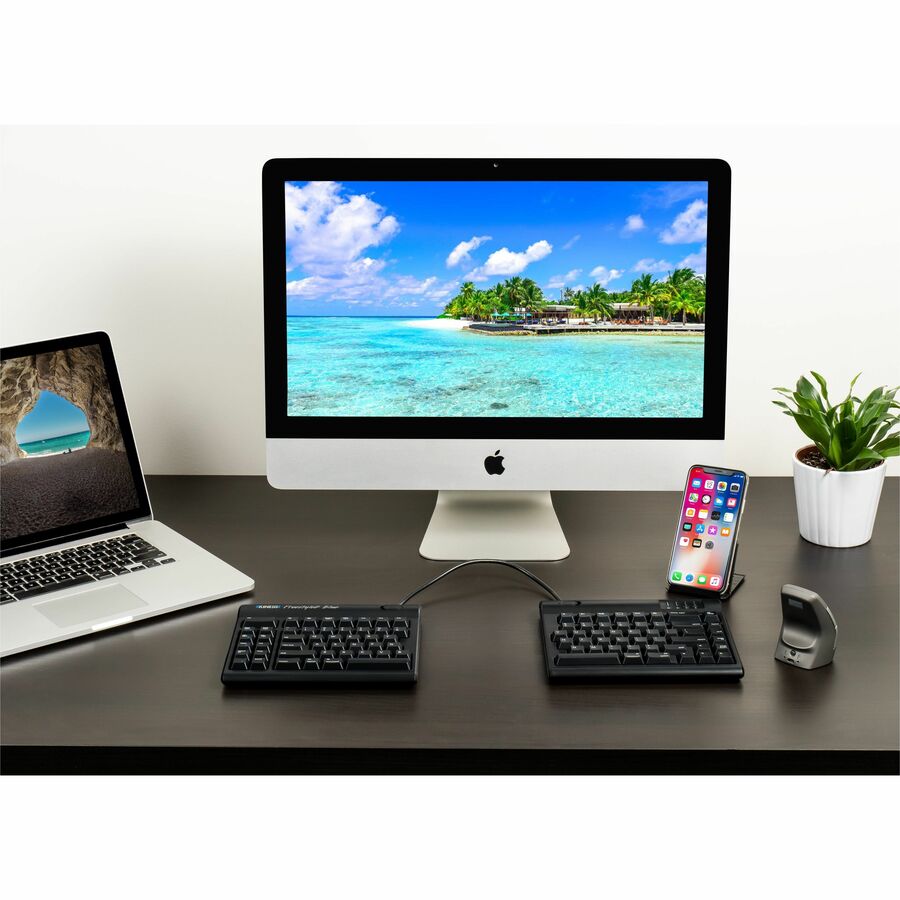
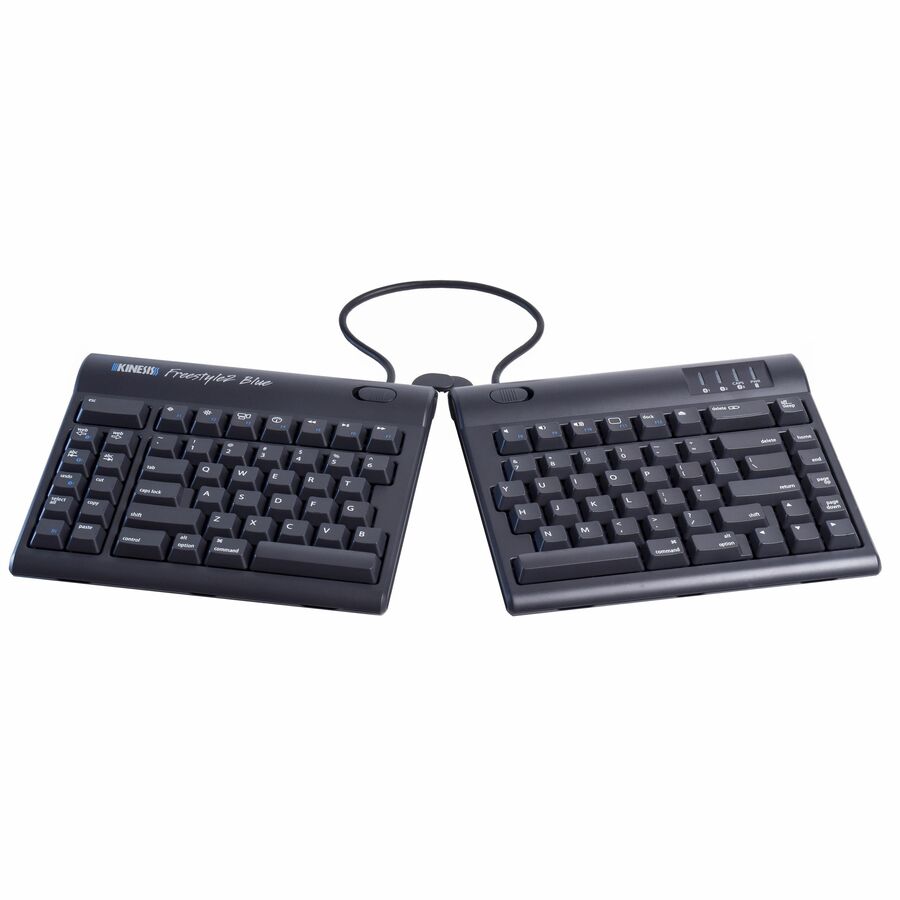
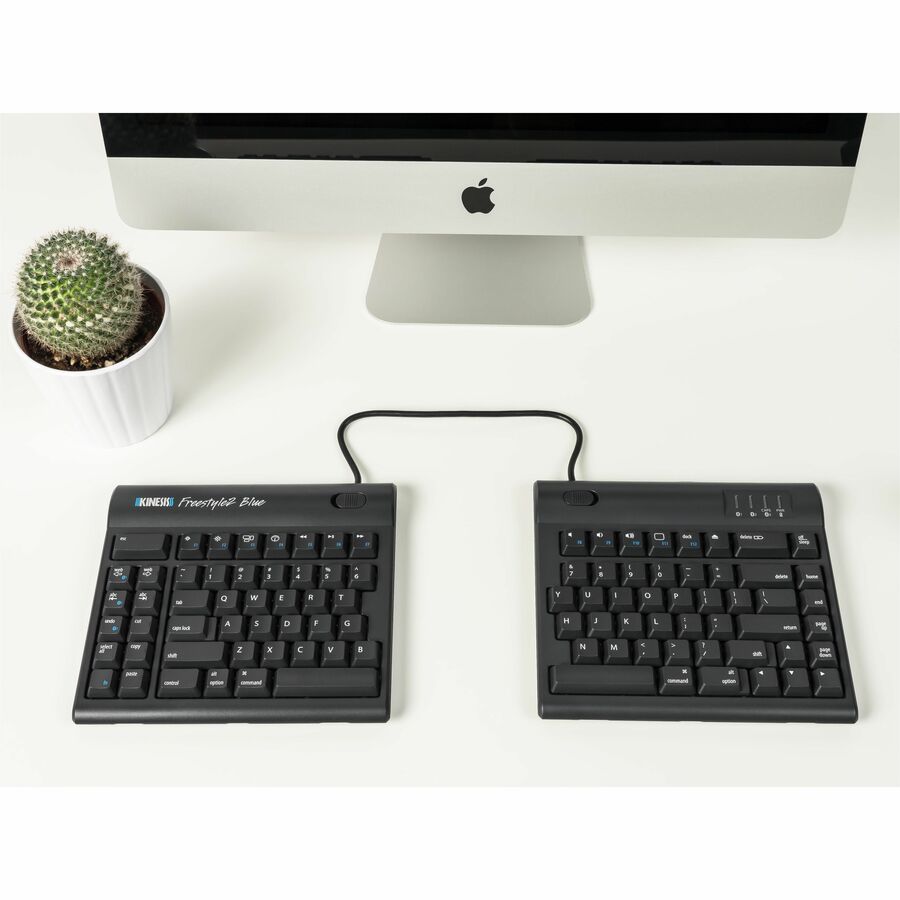

Kinesis Freestyle2 Blue for Mac - The Freestyle2 Blue for Mac is an award-winning split keyboard designed to adjust to your body and typing style. It features a familiar Mac layout and shortcuts, plus convenient. Multichannel Bluetooth technology for wire
- The Bluetooth wireless connectivity offers more freedom to people who want to control their iMacs from a distance
- Membrane/Rubber Dome switches are very quiet, low profile, and endure for a longer lifespan
- Quickly and easily connect with the imac
- Plug and Play your keyboard with the PC and go
Description
MultichannelTM technology
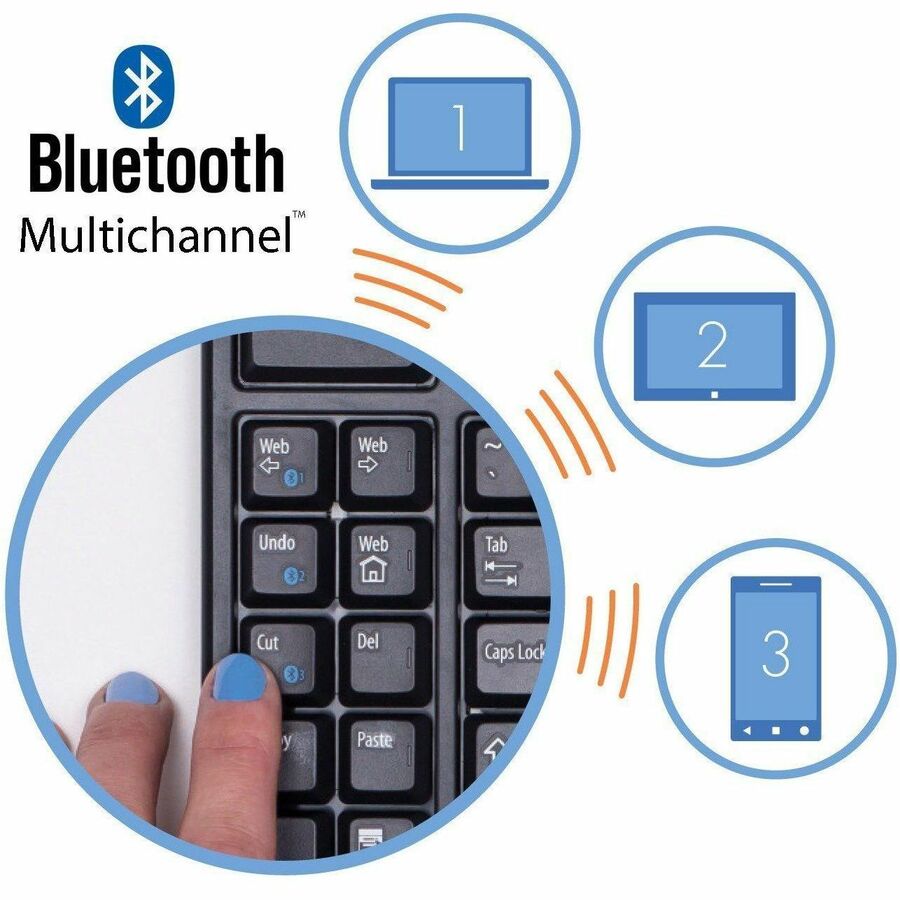
The Kinesis Freestyle2 BlueTM wireless keyboard combines our award winning split-adjustable ergonomic design with the convenience of bluetooth connectivity. No more sacrificing comfort when typing on your iMac, Macbook, iPad or iPhone. Multichannel technology lets you pair up to three Bluetooth-enabled devices with the Freestyle2 Blue and instantly switch between them directly from the keyboard.
Sleek, low profile design
Most keyboards including ergonomic models have a 10 degree positive slope from front to back. These designs tend to bend your wrists. The Freestyle2 has a zero degree slope which minimizes the height, effectively creating negative slope and reducing wrist extension. The slim design provides you a 2-in-1 office and travel keyboard.
Accommodates a wide range of individuals
From small to tall and body types in between, the Freestyle2 allows for maximum flexibility catering to each individual's unique needs. Out of the box both modules are connected together by a flexible pivot tether allowing an infinite range of splay. Disconnecting the pivot tether allows up to 9 inches of complete separation of both left and right keying modules. Perfect for individual needs ranging from a narrow footprint to complete separation. This design greatly reduces and/or eliminates ulnar deviation.
Optional palm supports
Optional padded palm supports reduce wrist extension by keeping wrists neutral.
Left side driverless hot keys & Bluetooth Multichannel keys
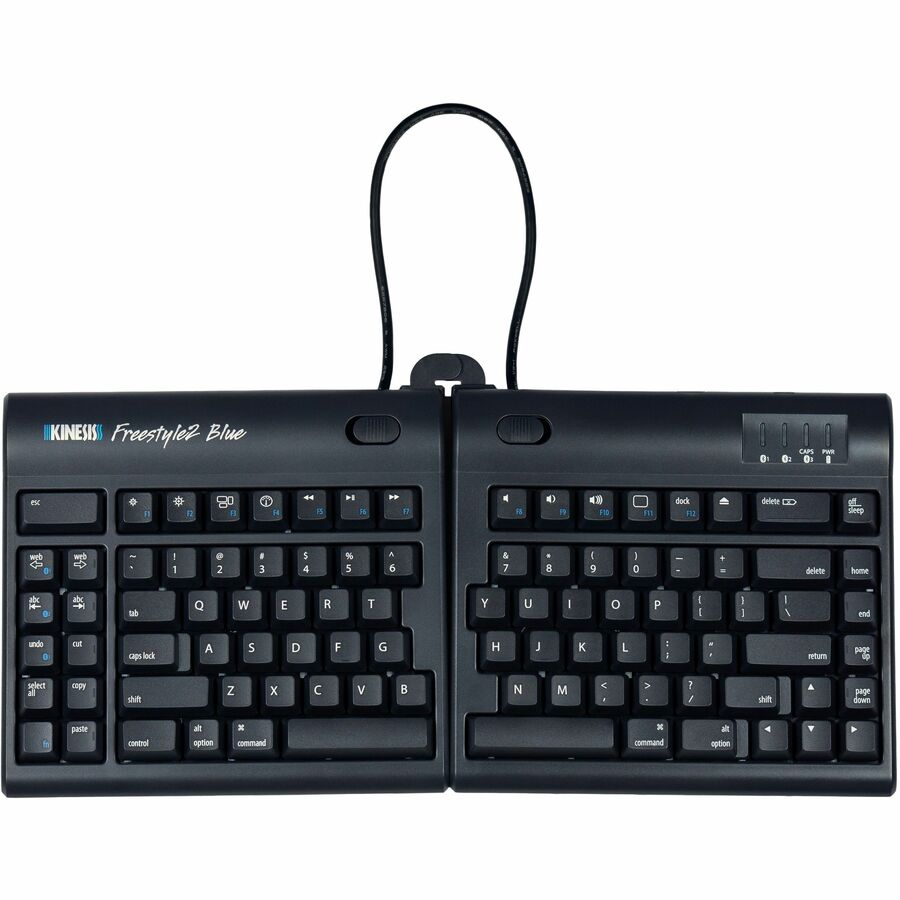
Driverless hot keys for commonly used mouse actions. (Internet Page Forward and Back, Beginning of Line, End of Line, Cut, Undo, Copy, Select All and Paste). A vertical rib is located on the inside row of hot keys to provide tactile notification to the user.
Standard Mac Shortcuts
Esc/force quit, Brightness, Exposé, Dashboard, Play Audio, Audio Volume, Dock, Eject & Off/Sleep, just like on the Apple Magic keyboards.
Familiar key layout
Familiar Mac key layout provides for minimal adaptation time.
Low-force, tactile key switches
The Freestyle2 utilizes low-force, membrane key switches featuring tactile feedback for optimal ergonomics. Activating the Freestyle2 keys requires 25% less force (45g) than the Microsoft Natural (60g) and many other ergonomic keyboards. These custom membrane style switches are super quiet and offer tactile feedback to discourage "bottoming out" on each key stroke.
Specifications
43211706
Yes
Proprietary Battery Size
Kinesis
Kinesis
Keyboards & Keypads
iMac
6 Ft
Wireless
7.13"
Ergonomic
0.88"
9"
30 ft
Bluetooth
QWERTY
Membrane/Rubber Dome
2 Year
English
Kinesis Corporation
KB800MB-BT
http://www.kinesis-ergo.com
Mac OS X 10.4 Tiger
PC
Battery
Freestyle2
Freestyle2 Blue for Mac Bluetooth
Keyboard
2 lb
Kinesis Freestyle2 Blue for Mac - The Freestyle2 Blue for Mac is an award-winning split keyboard designed to adjust to your body and typing style. It features a familiar Mac layout and shortcuts, plus convenient. Multichannel Bluetooth technology for wire
- The Bluetooth wireless connectivity offers more freedom to people who want to control their iMacs from a distance
- Membrane/Rubber Dome switches are very quiet, low profile, and endure for a longer lifespan
- Quickly and easily connect with the imac
- Plug and Play your keyboard with the PC and go